Introduction
You finally unlocked the Mahoraga Awakening in Jujutsu Shenanigans. You press the button to transform, you see the wheel spin, and you are ready to dominate the server. But there is one huge problem: the game shows PC keys (like “R” or “G”) on the screen, even though you are playing on an Xbox or PlayStation controller.
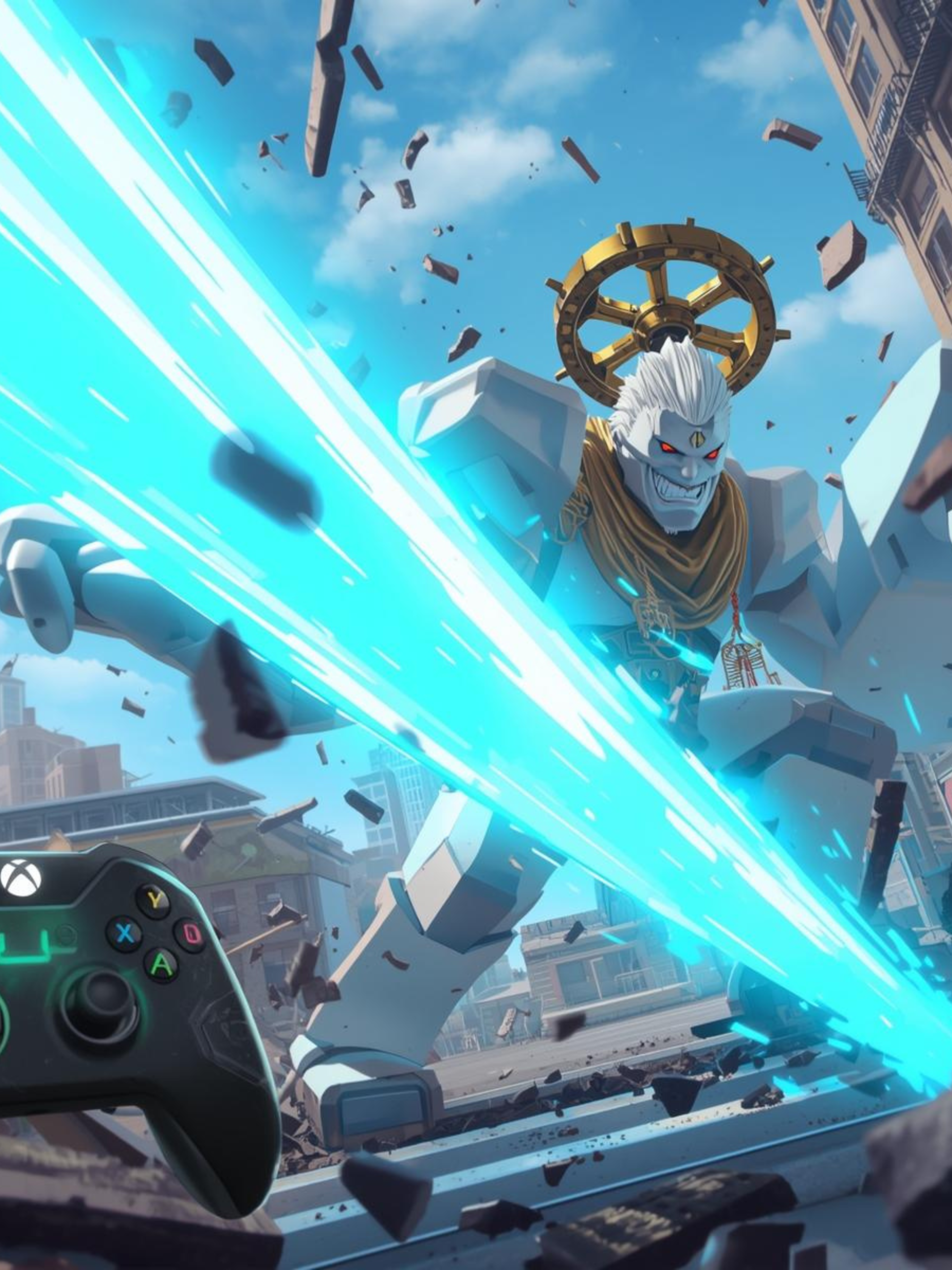
Millions of console players are currently stuck trying to figure out how to use Mahoraga’s most powerful move: the World Slash.
If you have been mashing every button on your controller and nothing is happening, you aren’t alone. The specific input for this move is hidden. This guide will reveal the exact button combinations for every Mahoraga move on Console and Mobile.
The Secret: How to Use “World Slash” on Controller
The reason you can’t find the button for World Slash is that it isn’t just one button. Unlike the basic punches, this move requires a specific combination.
To perform the World Slash (which shows as ‘R’ on PC) on Xbox or PS5, you must:
-
Make sure your move cooldown is ready.
-
Press D-Pad Left and D-Pad Right at the exact same time.
Note: It can be tricky to hit both directional buttons simultaneously. Many players find it easier to tap the Chat Button and type /console if the D-Pad combo isn’t registering, but the D-Pad Left + Right combo is the intended shortcut for the “4th Move” in many Roblox fighting layouts.
Complete Mahoraga Controls List (Xbox, PS5 & PC)
Here is the full translation of the moveset so you stop guessing during a fight.
| Move Name | PC Keybind | Xbox Controller | PS5/PS4 Controller |
| Ground Pitch (Move 1) | 1 | RB (Right Bumper) | R1 |
| Takedown (Move 2) | 2 | LB (Left Bumper) | L1 |
| Body Repel (Move 3) | 3 | RT (Right Trigger) | R2 |
| World Slash (Move 4) | R | D-Pad Left + Right | D-Pad Left + Right |
| Adaptation Wheel | G | D-Pad Up | D-Pad Up |
| Dash | Q | L3 (Left Stick Click) | L3 |
| Block | F | LT (Left Trigger) | L2 |
How to Use the “Adaptation” Ability Effectively
The Adaptation Wheel (D-Pad Up) is what makes Mahoraga broken in PVP. However, many new players use it wrong.
-
Don’t Spam It: If you press D-Pad Up randomly, nothing happens.
-
The Timing: You must press it after you have been hit by a specific type of attack.
-
Visual Cue: When the wheel turns gold/white and spins, you are adapting. Once complete, you will take significantly less damage from that specific character’s moves.
Why Can’t I Spawn Mahoraga? (Troubleshooting)
If you are trying to awaken Mahoraga but the game isn’t letting you, check these two requirements:
-
The Awakening Bar: Look at the red bar at the top of your screen. It must be 100% full (glowing) before you can transform. You fill this by dealing damage and taking damage.
-
The Character: You must have the Megumi (Ten Shadows) character selected as your base character before you can access the Mahoraga moveset.
Best Controller Settings for Jujutsu Shenanigans
If you feel like your moves are lagging or you can’t aim your Ground Pitch, change these settings in the Roblox menu:
-
Camera Sensitivity: Set this to 1.5 or higher. On controller, the default sensitivity is too slow to track teleporting players (like Gojo users).
-
Graphics Quality: Set to Manual (3 bars). Mahoraga’s “World Slash” creates a massive destruction effect. On older consoles or mobile, this can cause a frame drop that makes you miss your combo. Lowering graphics keeps the framerate smooth.
Conclusion
Now that you know the hidden D-Pad combo, you can finally use the World Slash to clear out teamers in Public Servers.
Did this button combo work for you, or do you use a custom keybind? Let us know in the comments below!