
By [Your Name/Brand Name]
I consider myself a smart shopper. When the new MacBook Air with the M-Series chip came out, I watched all the YouTube reviews.
The reviewers all said the same thing: “Apple Silicon is magic! The 8GB Unified Memory acts like 16GB on a Windows machine! It flies!”
I looked at the price tags.
-
Base Model (8GB RAM): $999
-
Upgraded Model (16GB RAM): $1,199
I thought, “Why spend an extra $200 for memory I probably don’t need? I’m not editing 8K movies. I just write, browse the web, and do some light photo editing.”
So, I saved the cash and bought the Base Model.
For the first month, I felt like a genius. The laptop was silent, the battery lasted forever, and it opened apps instantly.
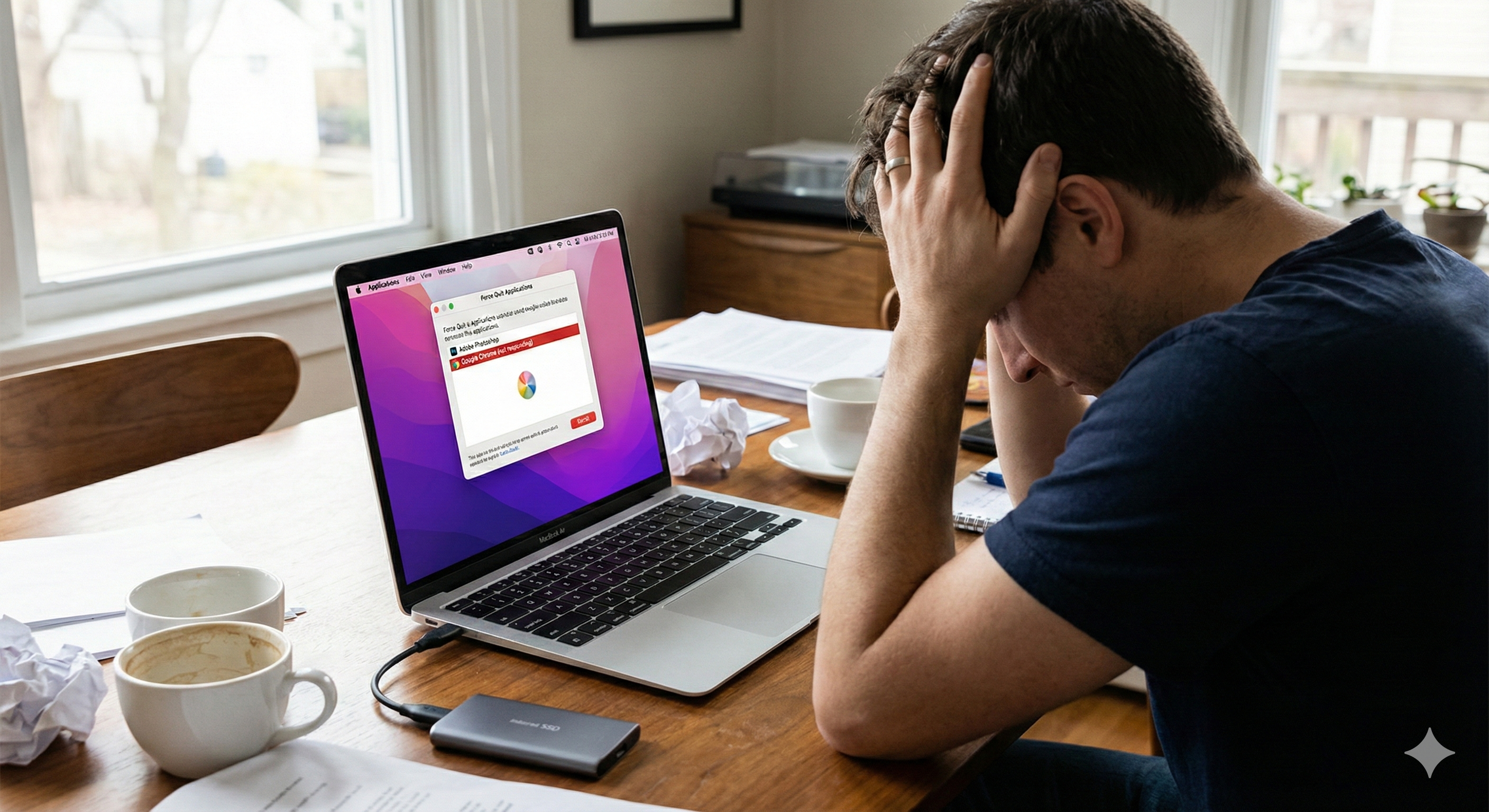
But six months later, the “Rainbow Wheel of Death” started spinning, and it hasn’t stopped since. Here is the honest truth about living with 8GB of RAM in 2025, and why trying to save $200 was the most expensive mistake I’ve made this year.
The Myth of “Unified Memory”
Apple’s marketing team is brilliant. They convinced the world that their “Unified Memory” architecture is so efficient that basic math doesn’t apply anymore.
The Reality: Math is still math.
Here is what my RAM usage looks like on a “Light” work day, with zero apps open except the Operating System (macOS):
-
Total RAM: 8.00 GB
-
macOS System Use: ~3.5 GB
-
Available for Apps: ~4.5 GB
I start my day with only 4.5 GB of breathing room.
Then, I open Google Chrome.
If you use Chrome, you know it eats RAM for breakfast. With 10 tabs open (Email, YouTube, Google Docs, Reddit), Chrome consumes about 2 GB.
Remaining Memory: 2.5 GB.
I haven’t even opened Photoshop, Spotify, or Slack yet, and my $1,000 machine is already at 70% capacity.
The “Swap Memory” Killer
When you run out of physical RAM, the Mac doesn’t crash immediately. It uses a trick called Swap Memory.
It starts using your Hard Drive (SSD) as temporary RAM. It writes data to the SSD and reads it back when needed.
The Problem: An SSD is fast, but it is significantly slower than actual RAM.1
Here is the “Workflow Crash” I experience daily:
-
I have Chrome and Slack open. (RAM is full).
-
I try to open a photo in Lightroom to make a quick edit.
-
The Stutter: The mouse freezes for 2 seconds.
-
The Heat: For the first time, the laptop gets warm.
-
The Wheel: I try to export the photo, and the cursor turns into the spinning beachball.
The computer is frantically trying to shuffle data between the RAM and the SSD, and the performance falls off a cliff.
The Benchmark: My “Real World” Stress Test
I decided to stop guessing and actually measure when the machine breaks. I didn’t use Geekbench; I used my actual workday.
| Scenario | Apps Open | Memory Pressure (Activity Monitor) | User Experience |
| The Student | Safari (3 tabs), Notes App, Spotify | Green (Low) | Perfect. Snappy. |
| The Office Worker | Chrome (10 tabs), Slack, Zoom Call, Excel | Yellow (Medium) | Slight delay when switching windows. |
| The Creator | Chrome (15 tabs), Photoshop (1 file), Spotify | Red (Critical) | Unusable. Stuttering music, laggy typing. |
The moment I entered “Red,” the system became frustrating. If you are just writing a college essay, 8GB is fine. But if you are doing anything that involves multitasking with modern heavy apps, 8GB is a bottleneck.
The Resale Value Hit (The Hidden Cost)
Here is the part that hurts the most financially.
I decided I couldn’t take the lag anymore. I listed the laptop on a marketplace to sell it so I could buy the 16GB version.
-
Purchase Price: $999
-
Current Resale Offer: $650
Because the tech community now knows that 8GB is a bottleneck, the resale value of base model Macs has tanked. Nobody wants them secondhand.
However, if I look at the listings for 16GB models, they retain their value much better because they are “future-proof.”
By trying to save $200 upfront, I am now losing $350 in resale value to fix my mistake.
Conclusion: Storage is cloudable, RAM is forever.
If you are reading this and hovering over the “Buy” button on a MacBook, here is my advice:
Do not upgrade the storage. You can buy a fast external SSD or use Google Drive/iCloud for cheap. You can always add more storage later.
But you cannot download more RAM.
The memory is soldered to the chip. You are married to that decision for the life of the laptop.
If you only browse Facebook and watch Netflix, the 8GB Base Model is a fantastic machine. But if you plan to do any creative work, coding, or just want to keep 20 browser tabs open without your computer choking, pay the “Apple Tax.”
Spend the extra $200 for 16GB (or 24GB). It hurts today, but it’s cheaper than buying the wrong laptop and having to sell it six months later.
-
Disclaimer: I have no affiliation with Apple. This review is based on my personal usage of the MacBook Air M2 Base Model over a 6-month period.